
GPIO announcer
A quick hack for checking out microcontroller pin assignments

Excamera Labs shop note: the ever-popular SPIDriver is back in stock.
Your PCB comes back. You put a microcontroller on it. It powers up, wonderful! Then you start testing all the pin connections. Maybe there’s a bad solder joint, a short, maybe you even messed up the design?
It’s an important step, and being certain of all the GPIO connections before connecting any peripherals is a lot better than crossing your fingers and carrying on.
But how do you check the signals? I guess everyone has their own method.
What I used to do until yesterday was write a little hack on the microcontroller to toggle each pin, and then probe the signal on the PCB. After confirming that it toggles, I’d change the code, recompile, and test the next pin. A laborious process.
Well not anymore, now that I have gpio-announcer. It’s a tiny CircuitPython script (or dedicated .uf2, see below) that drives all the GPIOs simultaneously, each one saying their name at 115200 baud. All you have to do is connect a serial converter (e.g. the wonderful TermDriver) to the signal and it literally shouts its name nonstop!
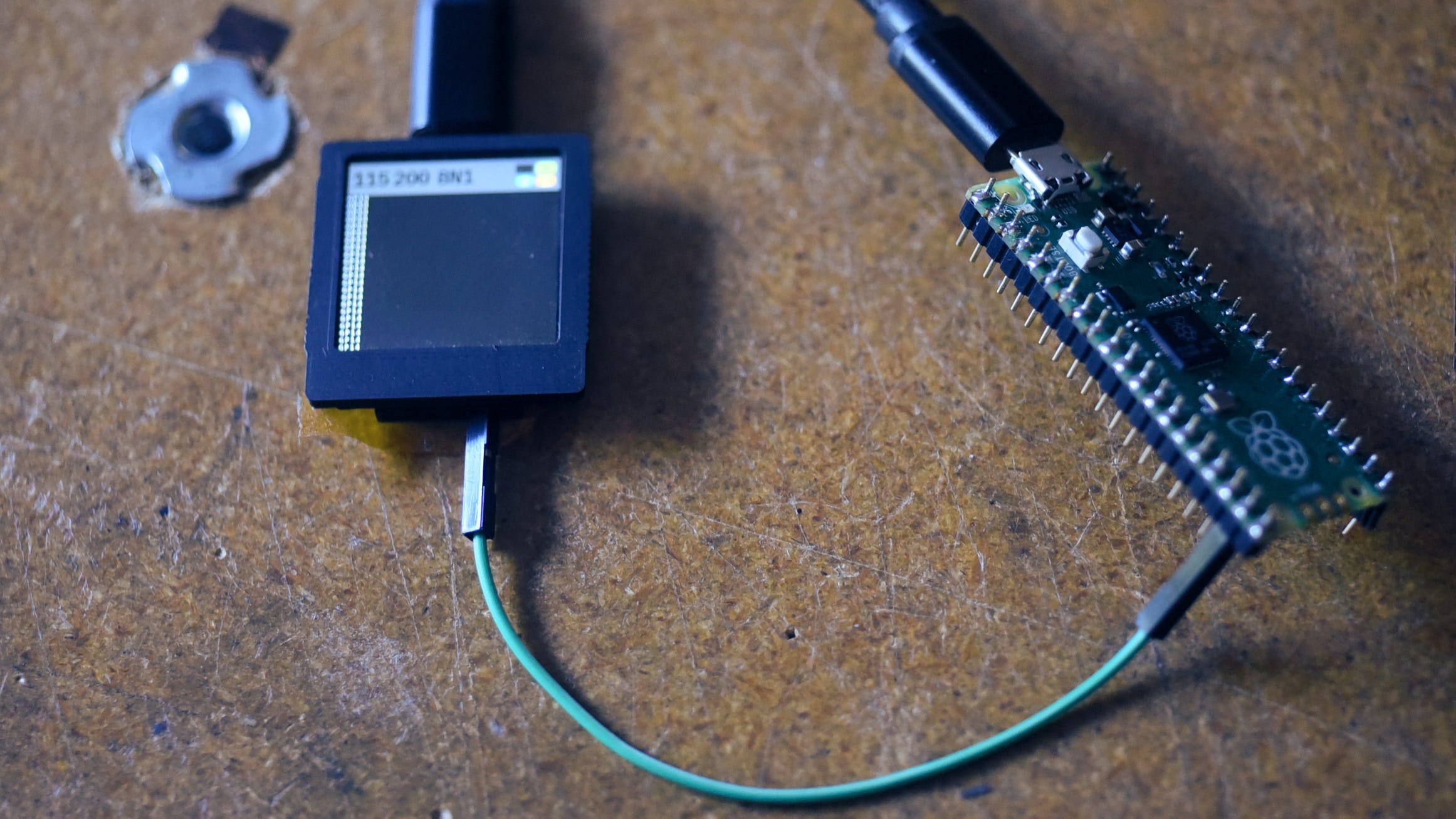
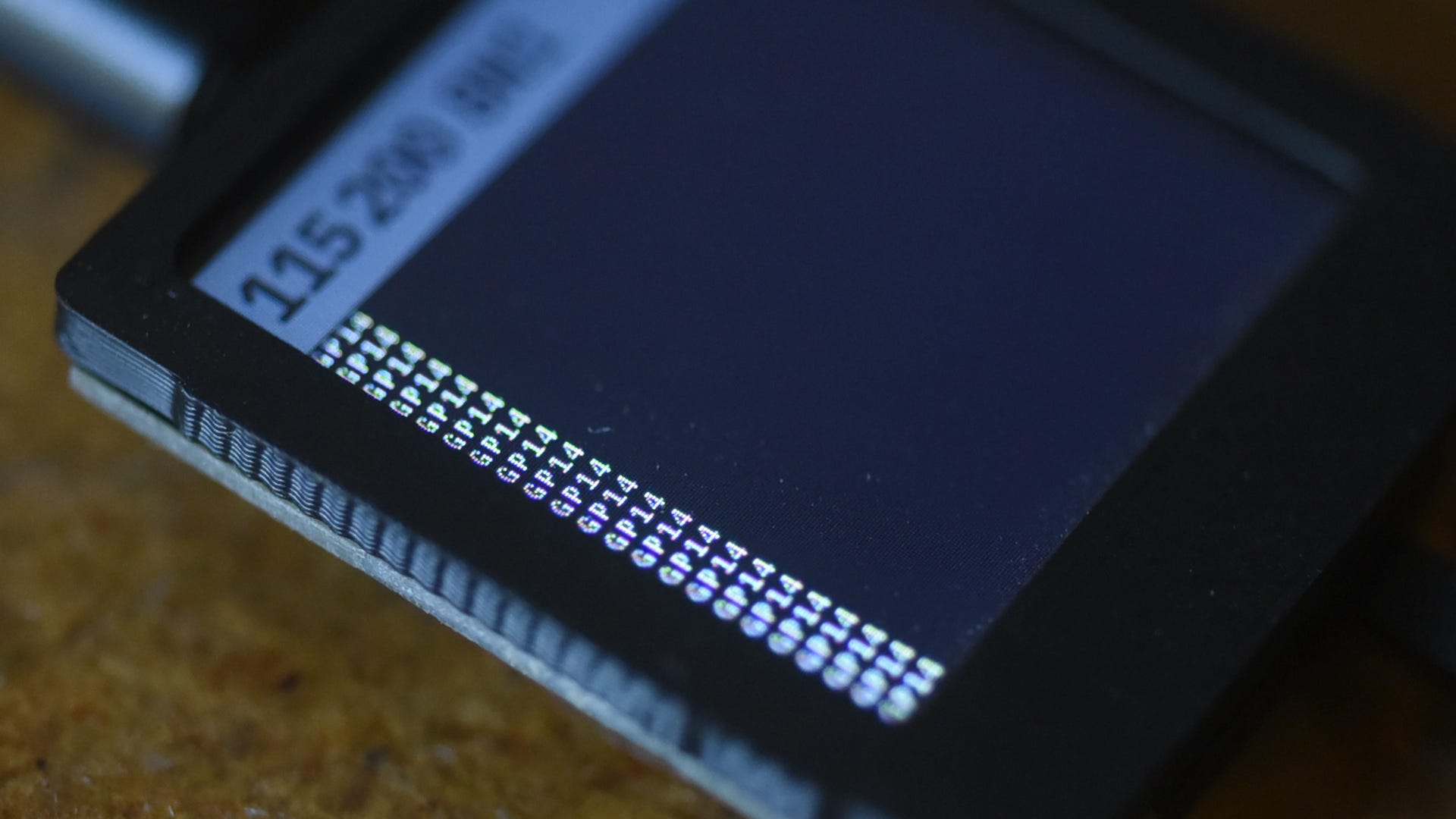
Here the RP2040 Pico’s pin GP14 is being probed, and the string “GP14” is continuously being sent out at 115200 baud.
This is the development board I wanted to check out. I can just quickly probe all the hookups, confirming each one against the schematic.
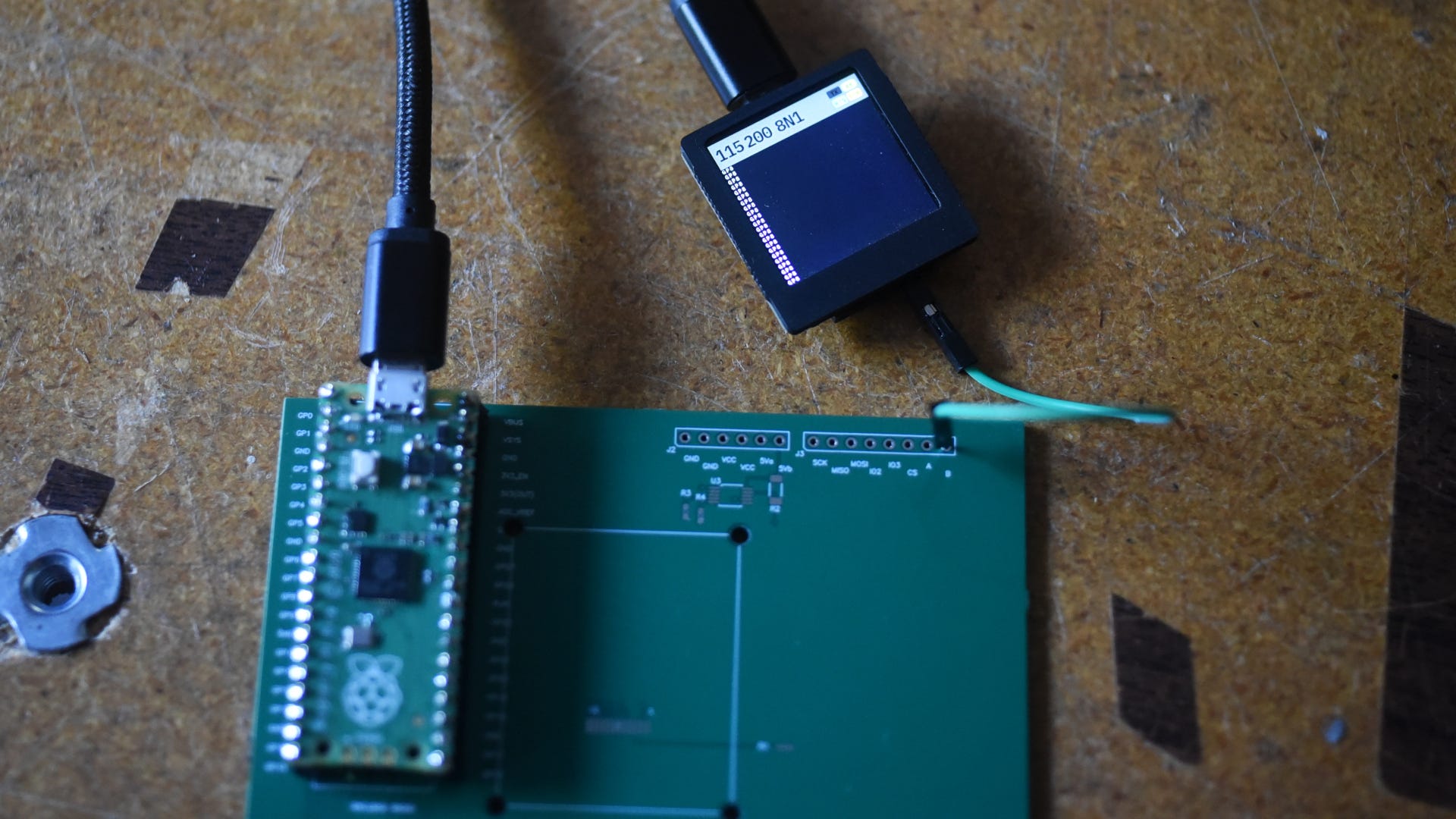
Pretty handy. The script has a little bit of smarts. It first probes every pin, and only transmits the pattern on ones that are floating. So if the PCB has a GPIO already hooked up to an input, that’s not included in the test pattern.
It’s directly inspired by this FPGA implementation by Alex Forencich in 2023 (youtube, and github repo pin-uart). As far as I could find out there wasn’t an existing RP2040 implementation, or indeed much else for any microcontroller.
If you’re familiar with the RP2040, you might be wondering how it makes every pin function as a serial output, when only a few of them (the UART TX ones below) support hardware serial out.
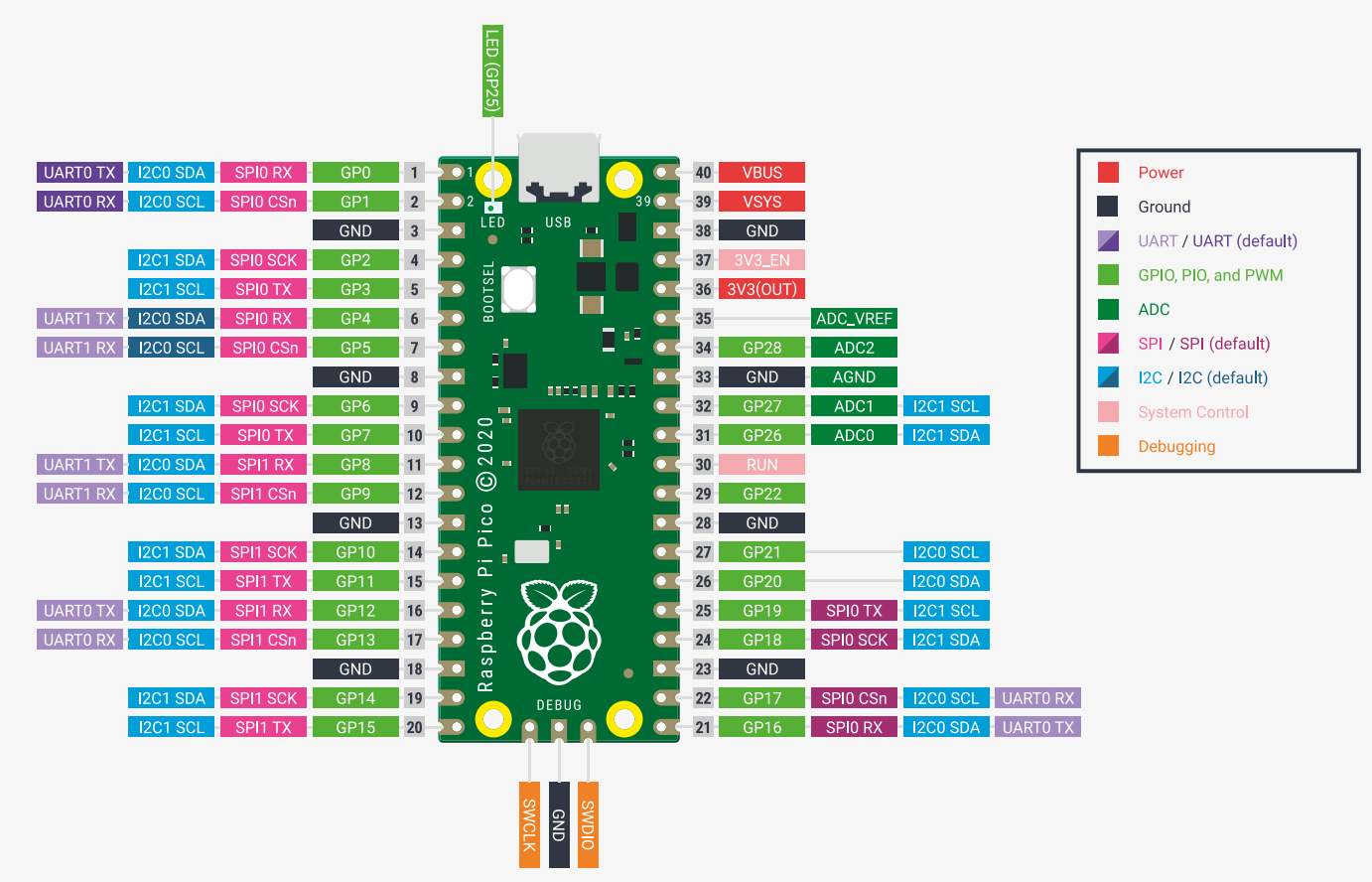
The code uses a tiny PIO program to send out data on all pins at the same time. Codex and I wrote it together over the course of an hour. The implementation is brutally simple: it blasts the different bit patterns out across all 23 GPIOs at 115200 Hz.
Codex also made a C port thats in the repository under pico/. That single C program builds gpio_announcer.uf2 that’s in this release. Just drop it into a blank RP2040 and it will announce its pins.
Thanks for reading.
I like this! I got used to verifying an actual serial port by looking at TX with the letter 'A' on the logic analyzer, so... I can imagine a test program that bit-bangs the names of my pins. I think my logic-analyzer can do auto-baud on serial output (the bit-banging yields equal cycle-time for a 1 or 0). I should try this for things like peripheral chip-enables, signals that go through buffers, even blinky status lights that don't seem to be getting their signal.